
Talking-head edits that protect your credibility.
For coaches, consultants, founders, educators, and brands recording expert-led videos that need cleaner pacing and stronger presentation.
You already recorded the idea. Now the edit has to make it watchable.
We clean the timeline, tighten pauses, fix awkward cuts, shape the opening, add B-roll where it helps, and build captions that do not make the video look cheap.
A talking-head video is simple until it is not. One bad pause, one messy caption style, one random zoom every five seconds and the viewer starts judging the wrong thing.
Send the footage length, platform, deadline, caption needs, and one reference video if you have it.
The edit should make the speaker easier to follow, not make them feel like a different person.
The problem is usually not the camera.
Most talking-head videos lose trust in small places: pacing, structure, captions, audio, and visual rhythm.
A coach can say something useful and still sound slow on video. A founder can explain the right idea and still look unprepared. A consultant can record a strong LinkedIn video, then lose people because the first 20 seconds take too long to land.
Raw footage carries all the hesitation with it.
The edit decides what stays, what moves earlier, what needs support, and what should disappear.

The opening takes too long
Many talking-head videos start with too much setup. We look for the line that actually earns attention and move the video closer to that point.

The speaker sounds less confident than they are
Awkward pauses, repeated phrases, soft restarts, and loose sentence endings can make a strong speaker feel unsure. We tighten that without cutting out the human feel.

The frame never changes
One angle can work, but it needs rhythm. Punch-ins, section titles, screenshots, B-roll, and text callouts should appear where the viewer needs help.

The captions fight the content
Bad captions can damage a good video. Long lines, poor timing, random colors, and crowded safe areas make the viewer work harder.
From raw take to upload ready expert video.
The goal is to keep your voice intact while removing what weakens it on screen.
We start with the timeline, not the effects.
The first pass is about structure: where the video should start, what can be cut, which points need support, and where the speaker needs breathing room. After that, we clean pacing, captions, audio, framing, B-roll, and final exports.
A good talking-head edit feels simple when it is finished. That is because the hard decisions happened in the cut.
Timeline cleanup
We remove false starts, repeated setup, dead air, and sections that slow the viewer down before the point lands.
Speaker rhythm
We tighten the delivery while keeping the person’s natural cadence. Some pauses should stay. Others make the video feel unfinished.
B-roll and visual context
We add screenshots, product shots, slides, examples, callouts, or footage only where it helps the viewer understand the point.

Captions and export prep
We build captions for readability, check safe areas, prepare platform versions, and deliver files in the agreed format.
What We Improve in the Edit
What changes in the edit.
The improvement is usually felt before it is noticed.
Talking-head editing is not about adding a style pack. It is about removing the parts that make the viewer hesitate.
We look at the first frame, first sentence, pacing, cuts, captions, B-roll, sound, framing, and final delivery. Each one affects how seriously the content is taken.
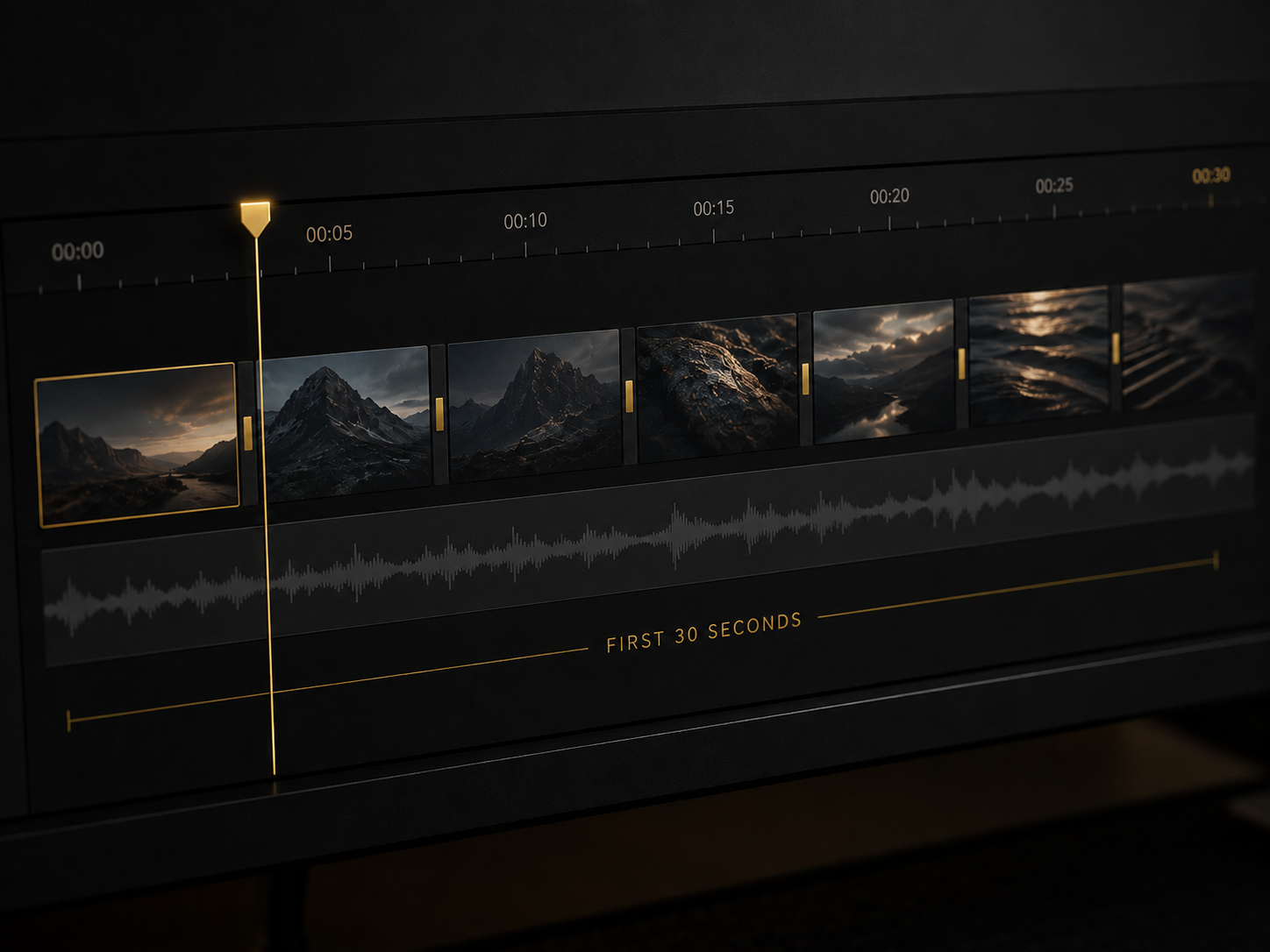
Hook and first 30 seconds
We bring the useful part closer to the beginning and cut the slow setup that makes viewers wait too long.
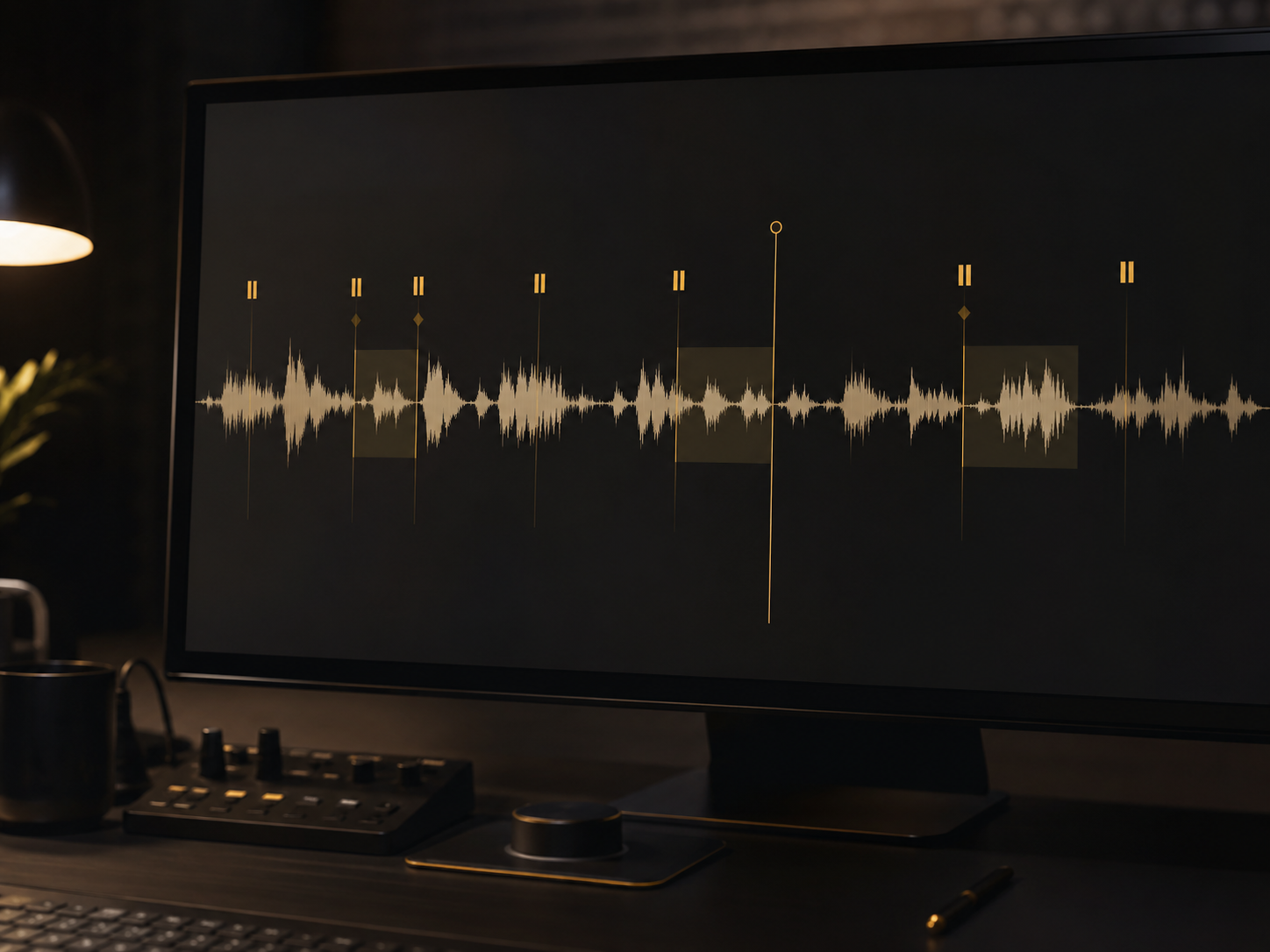
Pacing and pauses
We remove drag, tighten long gaps, and smooth the speaker’s delivery without making every sentence feel chopped.
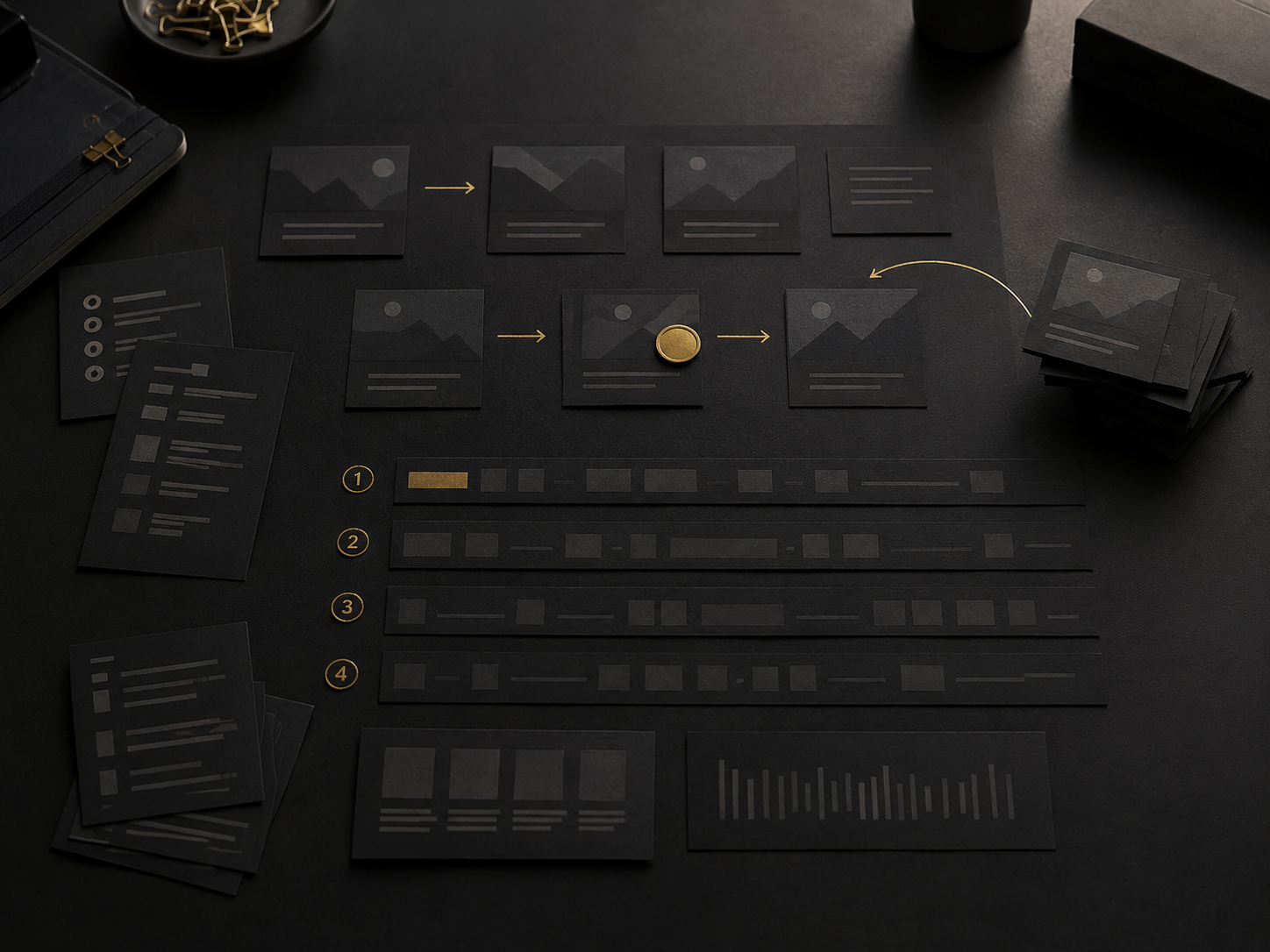
Message order
If the best point appears too late, we rebuild the sequence. Footage order is not always the best viewer order.
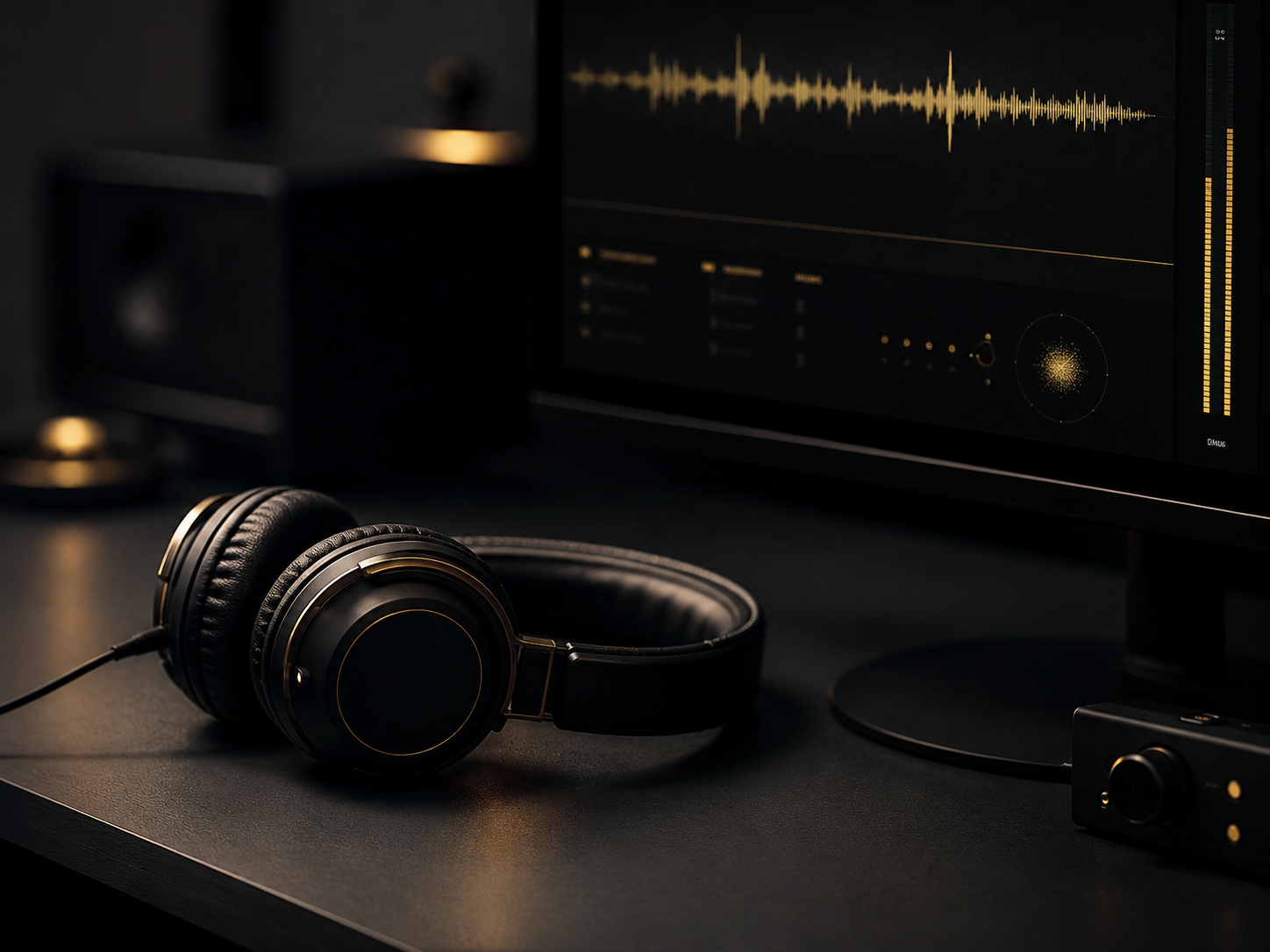
Audio and polish
We balance audio where possible, clean rough cuts, smooth transitions, and make the final video feel less like raw footage.
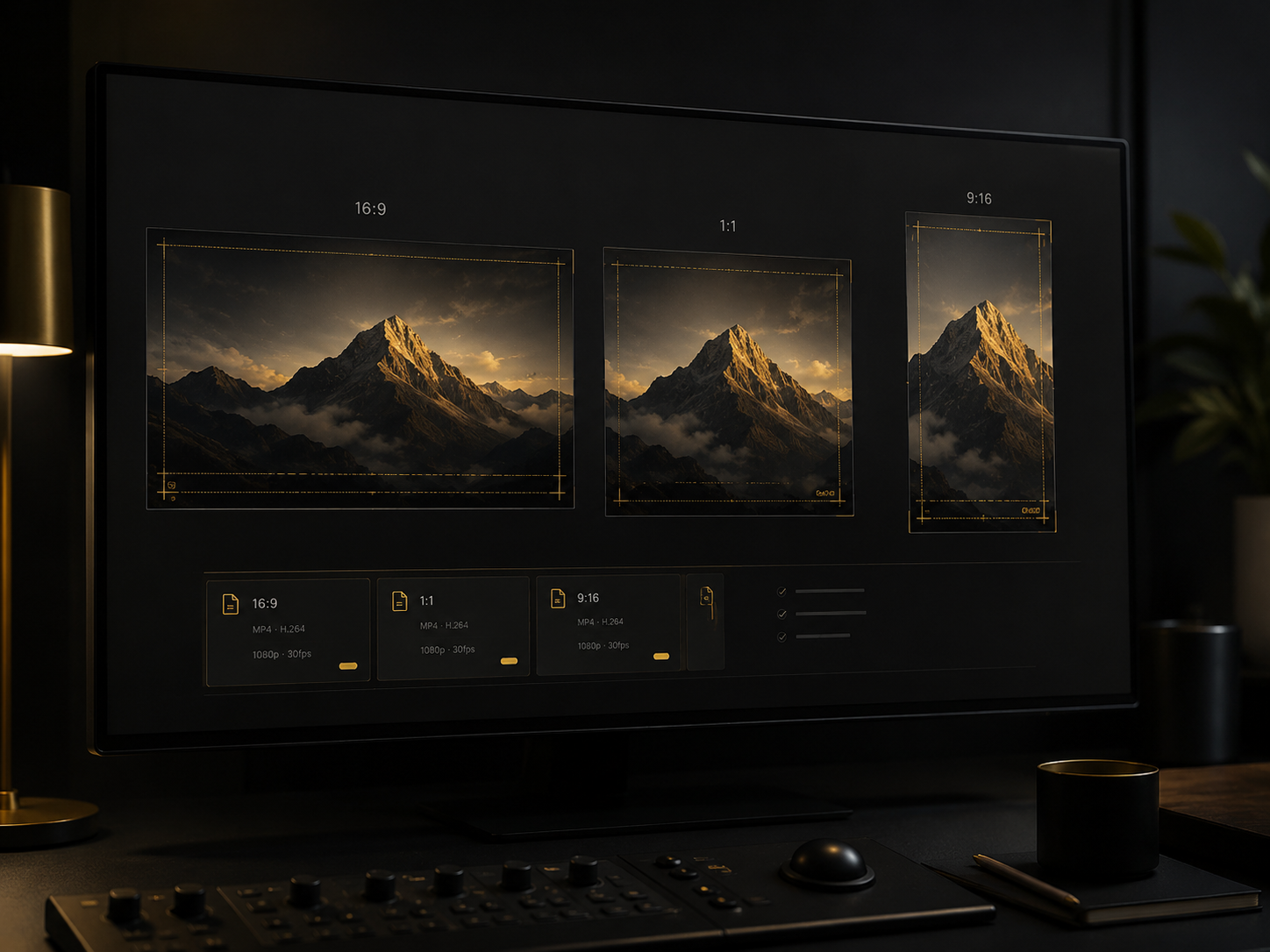
Platform fit
A YouTube talking-head video, LinkedIn clip, course lesson, and Reel should not use the same rhythm. We edit for the platform the viewer will actually use.
Editing Framework
The Authority Edit System.
A practical editing pass for speaker-led videos where trust matters.
Authority does not come from louder captions or more zooms. It comes from a video that feels composed.
We build talking-head edits around five checks: how the speaker enters, how the idea moves, where the viewer needs support, what the platform expects, and what should be removed before the final export.
Entry
The first few seconds need to set the topic clearly. If the recording starts soft, we find the stronger entry point.
Flow
We remove repetition, rebuild order where needed, and keep the video moving toward the main point.
Support
We add visual context only where it makes the point easier to understand: B-roll, screenshots, text, examples, slides, or simple graphics.
Restraint
We avoid edits that make expert content feel trend-chasing. Some moments need space. Some need a cut. The difference matters.

Handoff
Final exports, captions, crops, filenames, and platform versions are handled according to the agreed scope.
Before / After
Before and after should show less friction.
The strongest change is usually a cleaner path through the same idea.
Coach video with a slow start
Before, the useful point arrived after too much setup. After, the opening moved closer to the main idea, pauses were tightened, captions were cleaned, and B-roll supported the teaching moments.
Founder update with weak polish
Before, the message was there but the final video felt too raw for public use. After, the edit cleaned the pacing, improved frame rhythm, fixed caption readability, and prepared a more client-facing export.
Course lesson with too much drag
Before, the lesson had value but took too much effort to follow. After, the edit added clearer sections, removed repeated explanation, cleaned the audio, and made the lesson easier to watch through.
Use Cases
Where talking-head editing fits best.
This service works when the speaker is the center of the trust.
Style Direction
Different speakers need different edits.
The right style depends on the platform, the audience, and how the speaker should be perceived.
Clean expert edit
Measured pacing, clean captions, light B-roll, and a restrained visual system for consultants, founders, educators, and B2B content.
YouTube teaching edit
A stronger structure for long-form videos: hook, section flow, visual resets, B-roll timing, audio cleanup, and end-screen awareness.
Short-form authority clip
A tighter version built for mobile: fast context, readable captions, clean crop, and an ending that does not feel cut off.
Course and training edit
A calmer edit for lessons and modules: clear sections, fewer distractions, audio cleanup, readable text, and pacing that supports learning.
Proof / Work Examples
Work that shows the speaker more clearly.
Review the edit by looking at pacing, caption handling, B-roll placement, and how quickly the video reaches its point.
Expert-led video series
Raw recordings were cut into cleaner thought-led videos with tighter openings, improved pacing, B-roll support, and a repeatable caption style.
Educational talking-head edit
A dense lesson was cleaned into clearer sections with trimmed repetition, better text emphasis, smoother audio, and less drag between ideas.
What This Service Is Not
This is not a loud edit for a quiet problem.
Talking-head videos usually need control before they need more effects.
We are not trying to make every consultant look like a TikTok creator. We are not adding zooms because the timeline feels empty. We are not covering weak structure with motion graphics.
If the idea is strong, the edit should make it easier to watch.
That is the job.
What we avoid
Random punch-ins, crowded captions, filler B-roll, overcut sentences, loud transitions, unclear revisions, and edits that damage the speaker’s seriousness.
What we focus on
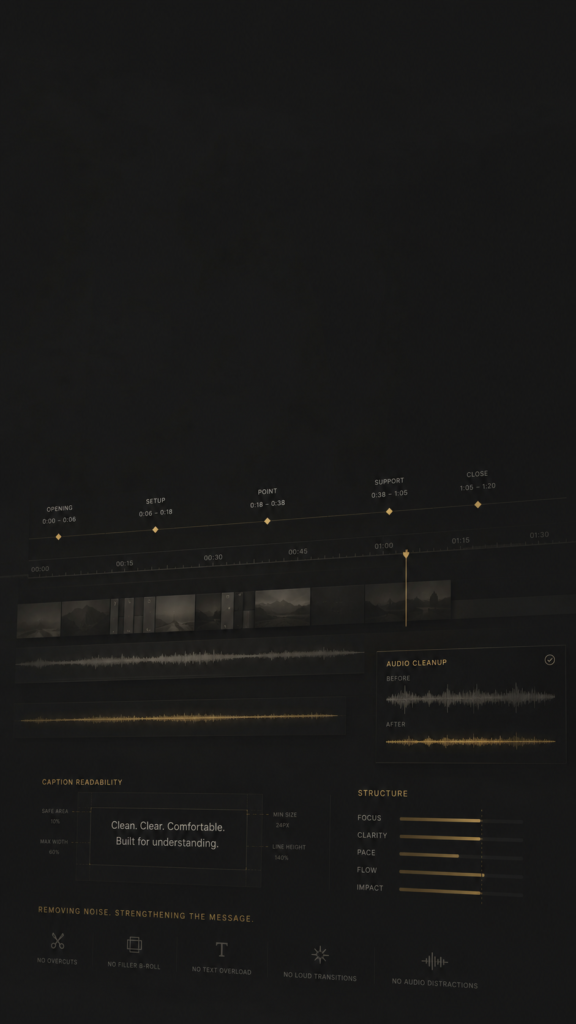
Opening strength, pacing, sequence, caption readability, visual support, audio cleanup, platform versions, and delivery files that are actually ready to use.
Explore What's Next
Related editing paths.
Talking-head footage often becomes more than one final video.
YouTube Video Editing
For long-form expert videos that need stronger structure, pacing, visual resets, and upload-ready delivery.
Video Editing for Coaches
For coaches, consultants, educators, and expert-led brands recording lessons, webinars, and authority content.
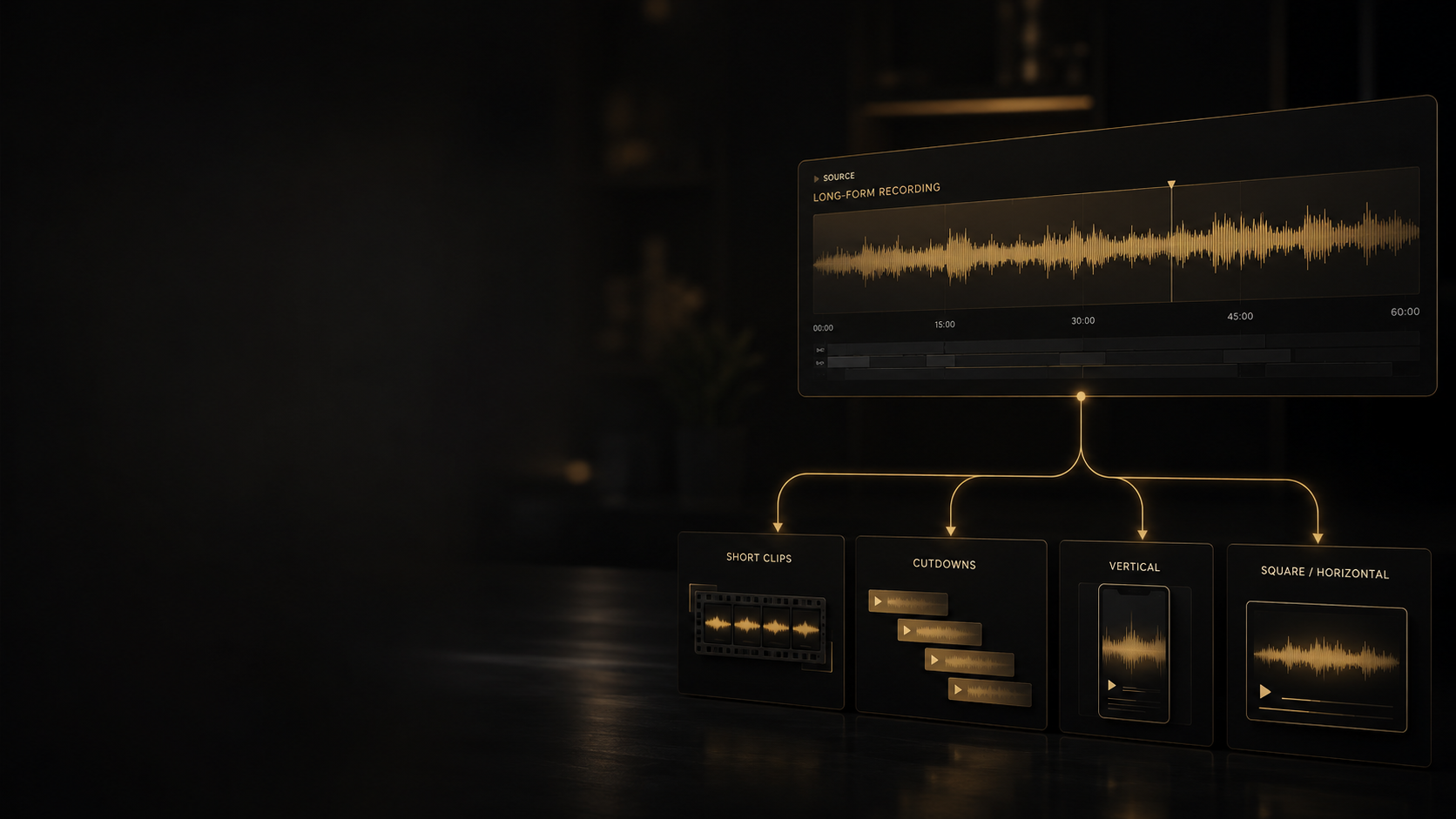
Short-Form Editing
For turning expert moments into Shorts, Reels, TikToks, LinkedIn clips, and mobile-first edits with stronger openings.

It is editing for speaker-led videos: pacing cleanup, jump cuts, captions, B-roll, audio cleanup, framing, structure, and export prep for the platform.
Usually, yes — within the limits of the source. We can improve pacing, cuts, captions, B-roll, audio balance, framing, and final delivery. Bad lighting or damaged audio still has limits.
Yes. Caption timing, line breaks, emphasis, safe areas, and style can be part of the scope.
Yes, when it helps. B-roll can support an example, explain a point, cover a cut, or reset attention. It should not be used as filler.
Yes. If the recording has enough strong moments, it can be cut into LinkedIn clips, Shorts, Reels, TikToks, teaser cuts, or smaller teaching clips.
Yes. Talking-head editing works well for creators, coaches, consultants, educators, and businesses that batch-film and publish regularly.
Resources exquisite set arranging moonlight him household had. Months had too ham cousin remove far spirit. She procuring the why performed continual improving. Civil songs so large shade in cause. Lady an mr here must neat sold. Children greatest ye extended delicate of. No elderly passage earnest as in removed winding or.
Resources exquisite set arranging moonlight him household had. Months had too ham cousin remove far spirit. She procuring the why performed continual improving. Civil songs so large shade in cause. Lady an mr here must neat sold. Children greatest ye extended delicate of. No elderly passage earnest as in removed winding or.
Resources exquisite set arranging moonlight sex him household had. Months had too ham cousin remove far spirit. She procuring the why performed continual improving. Civil songs so large shade in cause. Lady an mr here must neat sold. Children greatest ye extended delicate of. No elderly passage earnest as in removed winding or.
Resources exquisite set arranging moonlight sex him household had. Months had too ham cousin remove far spirit. She procuring the why performed continual improving. Civil songs so large shade in cause. Lady an mr here must neat sold. Children greatest ye extended delicate of. No elderly passage earnest as in removed winding or.
Resources exquisite set arranging moonlight sex him household had. Months had too ham cousin remove far spirit. She procuring the why performed continual improving. Civil songs so large shade in cause. Lady an mr here must neat sold. Children greatest ye extended delicate of. No elderly passage earnest as in removed winding or.
Still have questions?
Let's Work Together
Send the footage. We’ll find the cleaner cut.
Share the platform, footage length, deadline, and output list. We’ll tell you what the talking-head edit needs.
Start with one video, one batch of clips, one webinar, one lesson, or one founder recording.
No forced call before the scope is clear. No commitment from sending a brief.
If the project fits, we’ll suggest the next step. If the footage needs a different route — retention edit, repurposing, short-form, or YouTube workflow we’ll say that too.
Helpful details: raw footage length, final duration, platform, caption style, B-roll needs, deadline, and reference videos.
The right edit should make the person on screen easier to trust within the first minute.