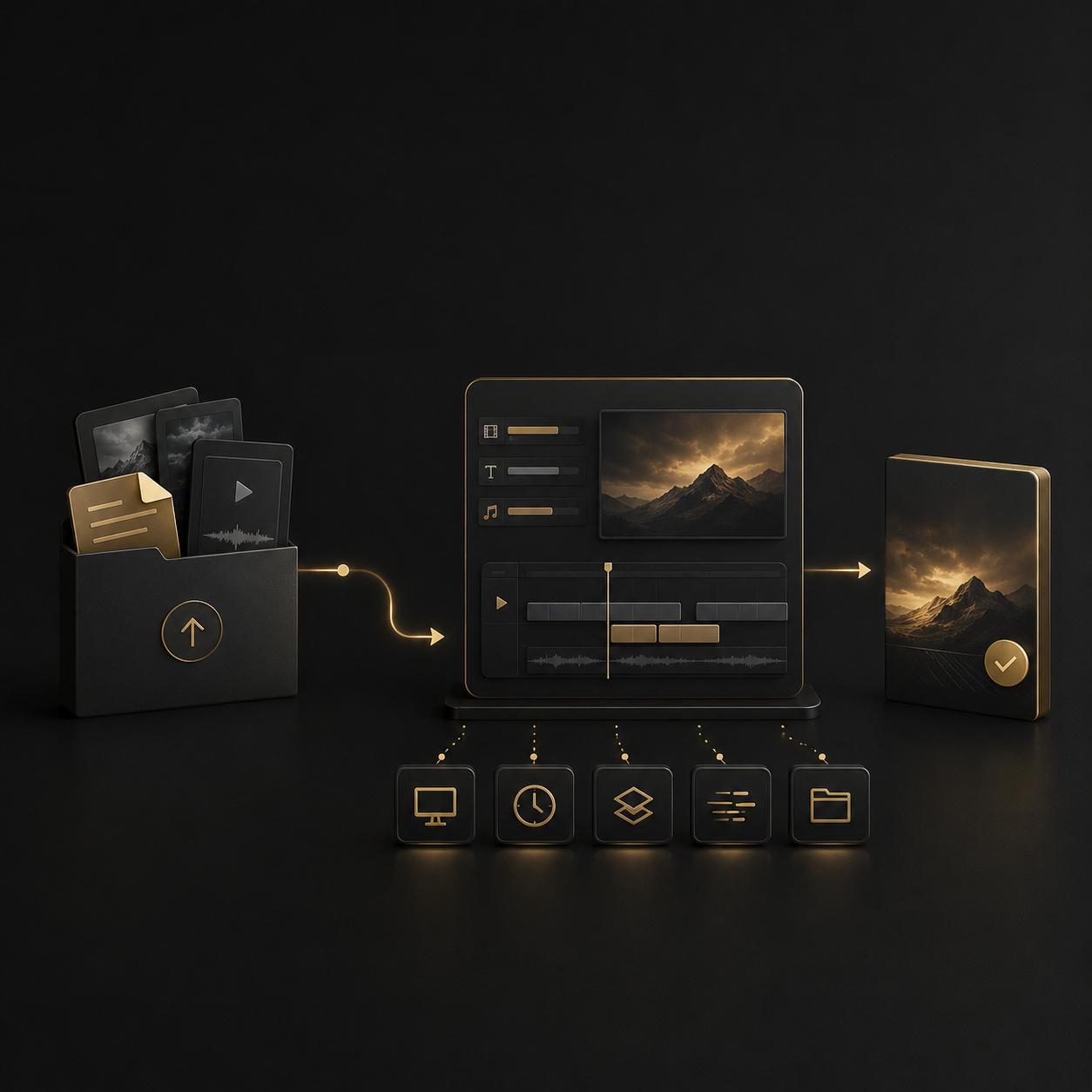
Adobe Video Editing Workflow
Adobe After Effects
Premiere Pro, and Photoshop support for serious video workflows.
Xero Film uses Adobe tools to edit YouTube videos, Shorts, podcasts, talking-head content, repurposed clips, and agency client work with cleaner timelines, review-ready drafts, and upload-ready delivery.
If you need someone who only knows where the buttons are, this is not the page.
The tools matter. Premiere Pro needs clean timelines. After Effects needs restraint. Photoshop assets need consistency. But the final video still depends on pacing, structure, captions, visual support, export discipline, and platform awareness.
Adobe is part of the workflow.
The edit still has to make sense.
Adobe Video Editing Workflow
Adobe After Effects
Premiere Pro, and Photoshop support for serious video workflows.
Xero Film uses Adobe tools to edit YouTube videos, Shorts, podcasts, talking-head content, repurposed clips, and agency client work with cleaner timelines, review-ready drafts, and upload-ready delivery.
If you need someone who only knows where the buttons are, this is not the page.
The tools matter. Premiere Pro needs clean timelines. After Effects needs restraint. Photoshop assets need consistency. But the final video still depends on pacing, structure, captions, visual support, export discipline, and platform awareness.
Adobe is part of the workflow.
The edit still has to make sense.
Why Adobe expertise still matters.
The software does not make the edit good, but weak software handling can slow the whole project down.
Premiere Pro timelines can get messy fast. Audio files go missing. Captions break. Proxies are not handled properly. Exports come back in the wrong format. After Effects comps become heavier than the edit needs. Photoshop assets lose consistency from one video to the next.
That matters when content is tied to an upload schedule, client deadline, podcast cadence, or short-form batch.
Good Adobe handling keeps the workflow cleaner before the creative problems even start.
Adobe Premiere Pro
Used for timeline editing, rough cuts, pacing, multicam, captions, B-roll, sound cleanup, long-form edits, short-form clips, and final exports.
Adobe After Effects
Used for lower thirds, title cards, motion callouts, simple animations, branded movement, visual emphasis, and graphics where motion actually helps.

Adobe Photoshop
Used for thumbnail assets, image cleanup, frame grabs, simple graphic layouts, social assets, and supporting visuals when included in the scope.
Where Adobe fits into the editing workflow.
The tool changes depending on what the video needs.
Not every project needs After Effects. Not every edit needs Photoshop. And not every Premiere timeline needs a heavy visual treatment.
The job is to choose the right tool for the right part of the edit.
Premiere Pro is used to build the main cut: rough assembly, pacing, structure, audio cleanup, B-roll placement, captions, multicam switching, and platform exports.
After Effects is used when the video needs motion titles, lower thirds, animated callouts, simple branded graphics, or visual emphasis that supports the point.
Photoshop can support thumbnail concepts, image cleanup, frame grabs, simple layouts, channel graphics, or social visuals when agreed before the project starts.
Adobe workflows help manage aspect ratios, captions, export settings, file naming, platform versions, review files, and organized delivery folders.
Best-fit Adobe-based editing projects.
This page is for projects where Adobe tools are part of a real content workflow, not just a software requirement.

YouTube Videos
Long-form edits, pacing, B-roll, captions, audio cleanup, section flow, Shorts potential, and upload-ready delivery.

Short-Form Clips
Shorts, Reels, TikToks, LinkedIn clips, captioned vertical edits, platform crops, and batch delivery.

Podcasts and Interviews
Multicam edits, audio cleanup, guest clips, highlight cuts, full episode polish, and episode-to-clips workflows.

Talking-Head Content
Coach videos, founder content, expert-led lessons, authority clips, course content, and camera-facing business videos.

Agency Client Work
White-label Adobe workflows, overflow editing, client batches, review versions, QA checks, and final delivery files.
This is not software-only editing.
Knowing Premiere Pro is the baseline. It does not automatically make a video better.
We are not selling button-pushing.
We are not adding After Effects motion because the timeline feels empty. We are not using Photoshop assets just to make the project look busier. We are not treating exports, captions, file names, or project structure like small details.
The tools support the edit.
They are not the strategy.
What We Avoid
Random effects. Overbuilt motion graphics. Messy timelines. Poor export settings. Crowded captions. Weak file naming. Missing assets. Tool-first editing with no viewer logic.
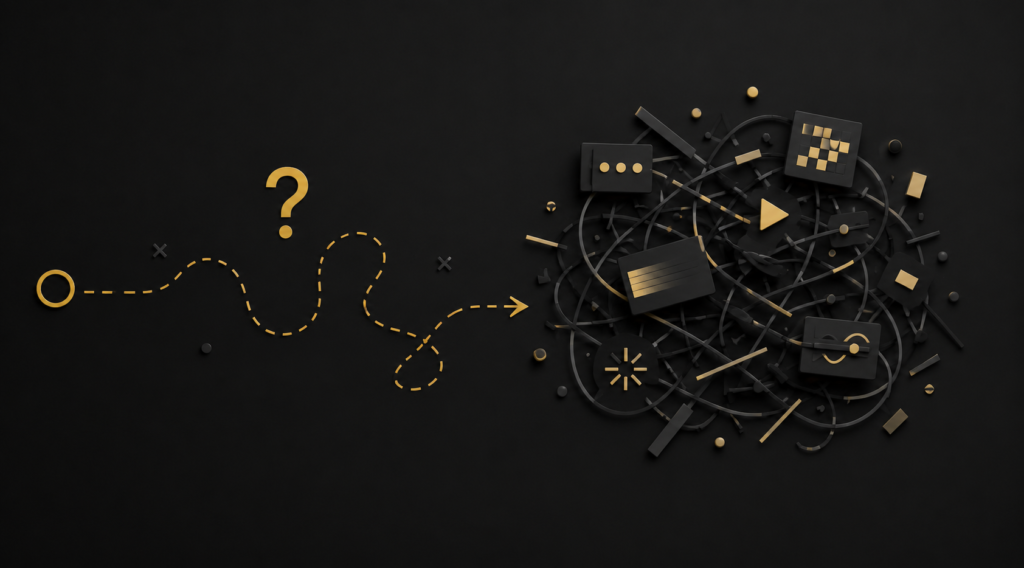
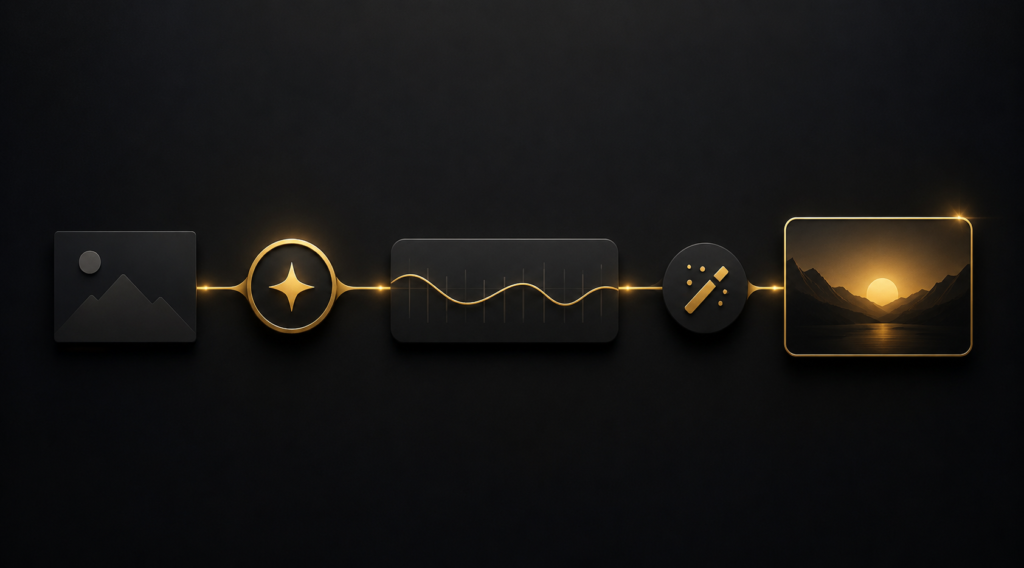
What We Focus On
Clean timelines. Better pacing. Clear structure. Readable captions. Useful B-roll. Simple motion where needed. Platform-ready exports. Organized delivery.
Adobe editing support for
agencies and content teams.
For agencies that need editors who can work inside an existing Adobe-based workflow without breaking file structure, naming, feedback, or delivery standards.
Agency work usually needs more than a clean export.
Client batches need version control. Feedback needs one place to live. Captions need consistency. Files need clear naming. Delivery folders need to make sense to the person reviewing the work next.
Xero Film can support short-form batches, podcast workflows, YouTube videos, talking-head content, and repurposing projects where Premiere Pro, After Effects, or Photoshop are part of the production pipeline.
White-label boundaries, client ownership, project files, and public sharing should be agreed before work starts.
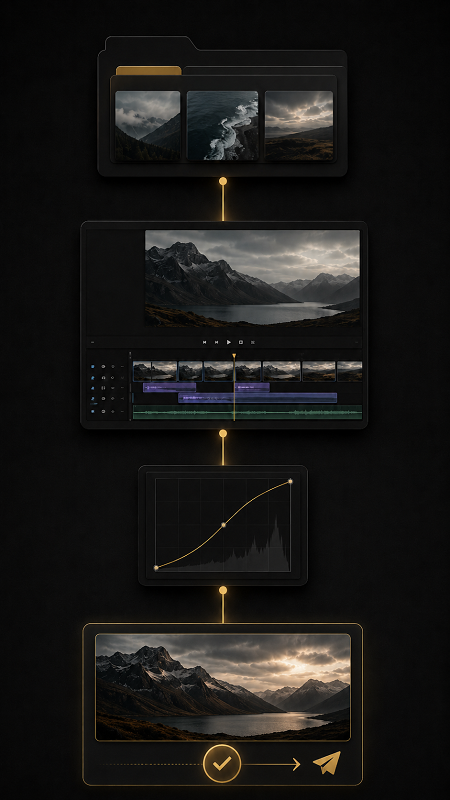
How an Adobe editing project usually works.
Clear files, clear scope, clean delivery.
1. Send footage and context
Share raw files, references, platform, deadline, output list, brand assets, and any existing Premiere Pro, After Effects, or Photoshop files if relevant.
2. Confirm the scope
We define what the project actually needs: Premiere edit, After Effects support, Photoshop assets, captions, platform versions, delivery folders, or project files.
3. First cut and review
The first version is shared for review. Feedback works best through Frame.io comments, timestamps, or a short Loom.
4. Revision and delivery
Final exports, captions, crops, Adobe project files if agreed, and organized folders are delivered based on the approved scope.
This is not software-only editing.
Knowing Premiere Pro is the baseline. It does not automatically make a video better.
We are not selling button-pushing.
We are not adding After Effects motion because the timeline feels empty. We are not using Photoshop assets just to make the project look busier. We are not treating exports, captions, file names, or project structure like small details.
The tools support the edit.
They are not the strategy.
YouTube Video Editing
For long-form videos edited with structure, pacing, B-roll, captions, sound cleanup, and upload-ready delivery.
Podcast Editing
For full episodes, multicam interviews, audio cleanup, guest clips, highlight cuts, and episode-to-clips workflows.
Short-Form Editing
For Shorts, Reels, TikToks, LinkedIn clips, platform crops, readable captions, and batch delivery.

Content Repurposing
For turning one recording into multiple platform-ready assets across YouTube, Shorts, Reels, LinkedIn, and podcast clips.
Talking-Head Editing
For expert-led videos, founder content, coach videos, lessons, and authority clips that need cleaner pacing and visual support.
For Agencies
For white-label editing, overflow support, client batches, QA checks, and clean handoff.
Questions about Adobe video editing.
Practical answers before you send files.
Yes. Premiere Pro can be used for timeline editing, rough cuts, pacing, captions, B-roll, audio cleanup, multicam edits, long-form videos, short-form clips, and final exports depending on scope.
Yes, where needed. After Effects is useful for lower thirds, title animations, simple motion graphics, callouts, and branded visual support. We do not add motion just to make the timeline look busy.
Photoshop can support thumbnails, visual assets, cleanup, frame grabs, simple graphic layouts, and social content assets when included in the scope.
Yes. Agencies can discuss white-label or overflow editing support depending on scope, file structure, review process, confidentiality, and delivery requirements.
Project files are not automatically included. If you need Premiere Pro, After Effects, or Photoshop project files, mention that before the quote so it can be scoped properly.
Need Adobe-based editing support without messy timelines?
Send the footage, platform, deadline, output list, and any Adobe file requirements.
Start with one YouTube video, one batch of Shorts, one podcast episode, one talking-head recording, or one agency client project.
If Premiere Pro project files, After Effects motion support, Photoshop assets, or editable handoff files are needed, mention them before the scope is priced.
The tools matter.
The workflow matters more.
Helpful details: source length, final duration, platform, number of deliverables, caption needs, motion needs, Adobe file requirements, and deadline.